Two input modes
Start from a focused text description or upload a clear JPEG or PNG reference image.
Text or image to 3D
Generate a Blender-ready 3D model from text or a reference image, preview it online, and download the GLB for editing.
On the ordinary tiers, one clear subject converts far better than a busy scene, and a prompt is not used.
Preview runs are fixed at 50,000 triangles with no texture — face count and topology only apply to the finished tiers.
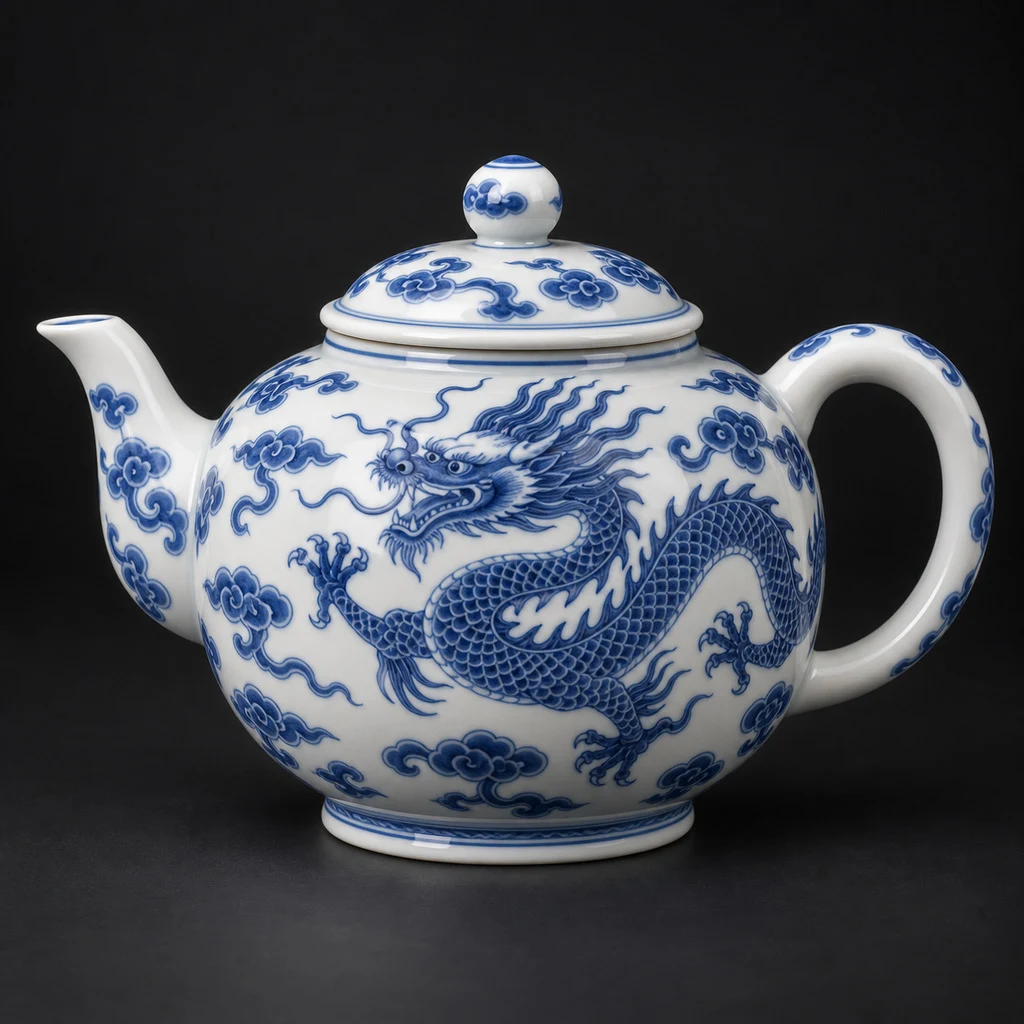
Made from this photo · Preview tier
Measured: 32s · 50,000 faces · no texture · 0.9 MB
Your own result lands right here, in this viewer.
Start from a focused text description or upload a clear JPEG or PNG reference image.
Choose Rapid bare geometry, a textured mesh, or a measured Low Poly workflow.
Completed meshes are copied to GPT Blender storage instead of relying on a short-lived provider link.
Use a single object with a clean silhouette and state the details that matter most.
The asynchronous job continues while the page polls for completion and settles credits safely.
Download the stored GLB and use Blender’s File → Import → glTF 2.0 command.
Yes. Image-to-3D accepts a JPEG or PNG reference that meets the displayed size limits.
The Rapid tier returns bare geometry. The Textured and Low Poly tiers return textured GLB output.
Yes. GLB is imported as editable Blender objects, though topology and UVs still require review.
No. Low Poly targets a lighter result, but production retopology is still a separate Blender task.